
Tags
0.5 min read
|Warehouse Manager has multiple types of Tags, listed below. These tags are independent of the inventory associated with the part, order, or bin. Some tags will be available by default (i.e. Bin Tags) and can be used to drive functionality (i.e. Replenishment). Tags can be a very powerful tool with different views in the system. Tags are unique when it comes to views as most columns in views are one-to-one, but tags can be many-to-one.
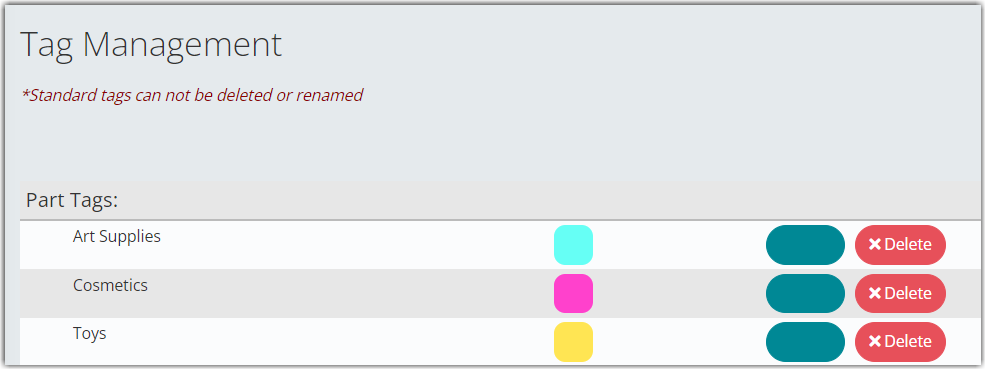
Different Tags in the Tag Management settings:
- Part Tags
- Shipping Order Tags
- Receiving Order Tags
- Bin Tags
Some integrations may create tags. Please review the integration’s documentation for more info.
Creating a New Tag
- If you want to create a tag, click Create New Tag.

- Enter the new tag name, then select a color, and
- Save the newly created tag when done.
Was this article helpful?
Share additional feedback about this article