
Transaction Codes
0.2 min read
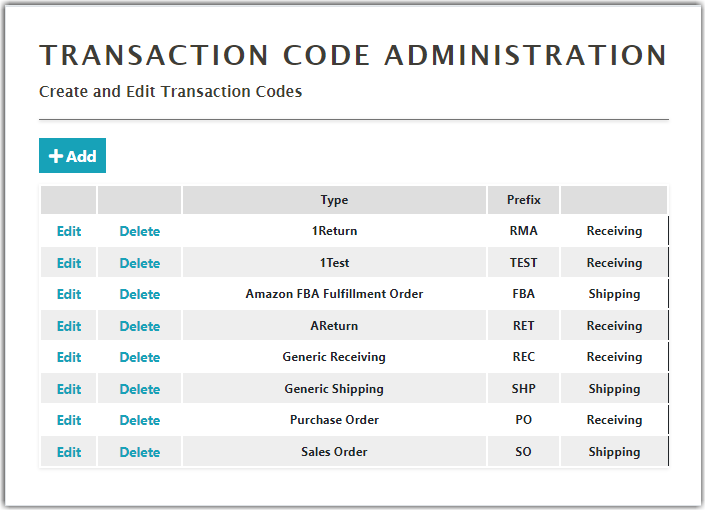
|In Transaction Code Administration, you can create and edit transaction codes that can be used in the Receiving or Shipping orders.
Creating New Transaction Codes
To create a new transaction code,
- Click Add on the Transaction Code Administration screen
- Enter the Name and Prefix, next select either Receiving (Inbound) or Shipping (outbound).
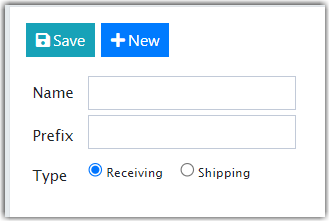
- Click Save. The Prefix created will be added to the beginning of any order associated with this transaction.
Was this article helpful?
Share additional feedback about this article