
Editing Group Permissions
0.4 min read
|Group permissions allow or restrict what a user within that group can or cannot do.
To edit these permissions,
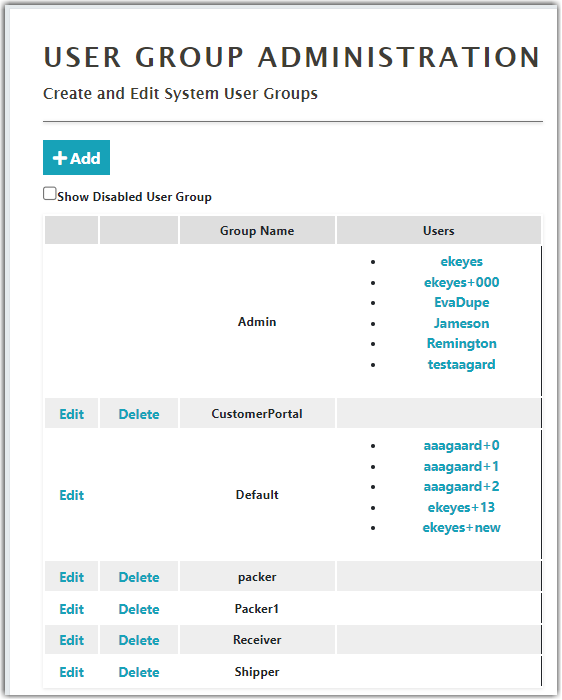
- Go to Settings > User Groups and click edit next to the group you want to set the permissions.
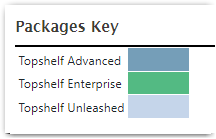
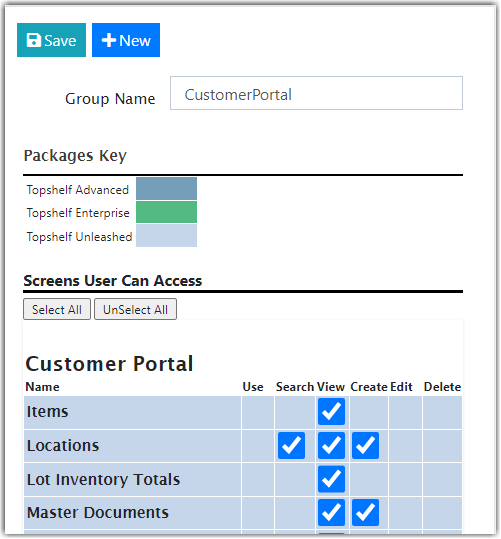
- That will bring up the Edit Group Permissions Page. Note that the permissions are divided into three block sections; Customer Portal, Mobile Device, and Web Administration Portal. You will notice different color blocks within these. They denote the features in the Extensiv Warehouse Manager package you purchased.
- The checkboxes are arranged to give permissions to Use, Search, View, Create, Edit and Delete. Check a box next to a feature as needed to give any user within that group permission to perform that action in that section of Warehouse Manager.

Was this article helpful?
Share additional feedback about this article