
Shipping Types
0.3 min read
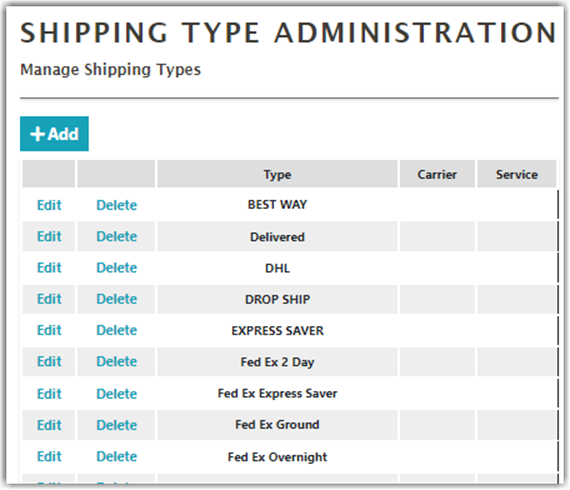
|In Shipping Type Administration, you can manage shipping types. By default, multiple options are provided. You can add and remove shipping types as needed. If available, shipping types should be mapped in the customer’s Order Source integration like Integration Manager and Brightpearl to ensure the proper shipping types are selected upon order download.
Creating a Shipping Type
To create a new shipping type,
- Click Add on the Shipping Type Administration screen
- Enter the Name and select the Carrier and Service.
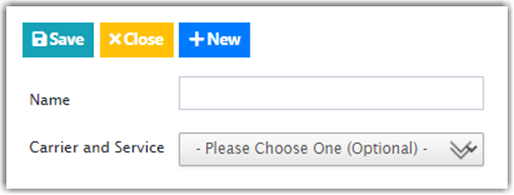
- Click Save when done.