Unable To Login
0.5 min read
|Unable To Login
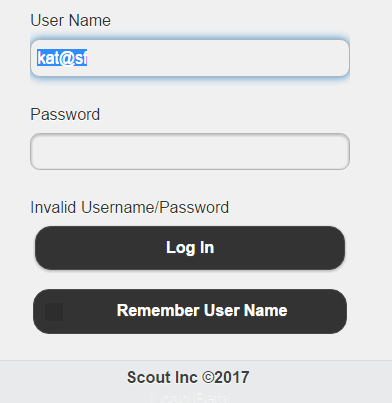
There will be situations where users in your organization will be unable to login. There will be two reasons for inability to login;
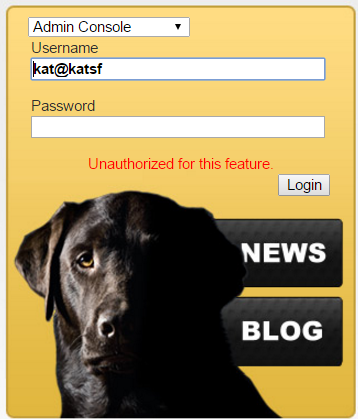
1. The user does not have appropriate licensce to login to the Web admin, Device, Or mobile.
The errors for this will be displayed in the following ways depending on what they are logging into.
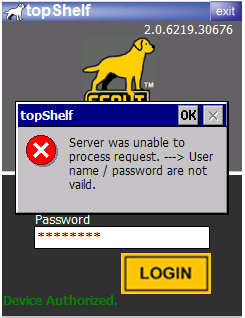


In this situation please login to the web admin consol and check that appropriate User Licenses are assigned.
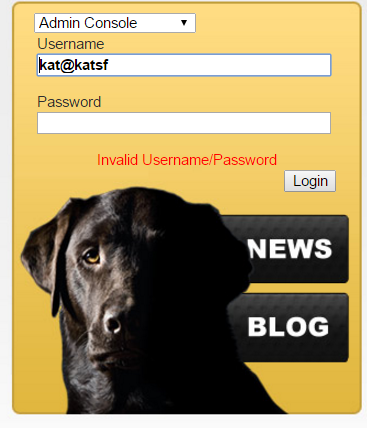
2. The User name and password is invalid.
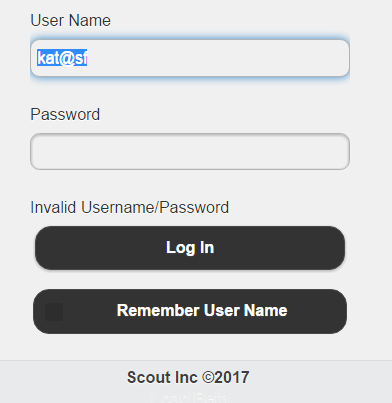
The errors for this will be displayed in the following ways depending on what they are logging into.
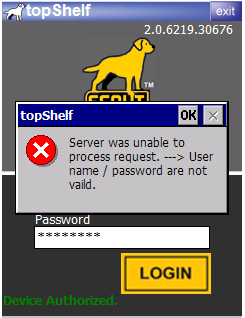
Please log into the web admin and reset the password for the user and have them reset their password or contact Extensiv Support and we can make sure the user gets logged in.