
Setting Up ShipNetwork
0.4 min read
|
Integration Specs:
Required Parameters
- ShipNetwork Customer ID
- ShipNetwork API Password
Step-by-step guide
- Please contact your ShipNetwork account rep and ask them for your credentials for a new “API Integration.”
- Launch Integration Management from Extensiv Hub.
- Click on WMS and click Change WMS next to the dropdown list. Notice that the Change WMS disappears after clicking it, allowing you to select from the list.
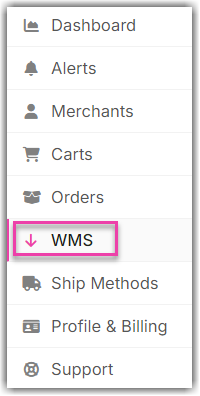
- Select ShipNetwork (Rakuten Super Logistics) from the dropdown list.
- Enter the ID and password obtained from Step 1. Then, click Save.

- In the Integration Manager shopping cart settings, you can choose which warehouse to sync inventory with, or sync combined inventory levels for all warehouses.
Was this article helpful?
Share additional feedback about this article