
Setting Up AspDotNetStorefront.com
0.2 min read
|Integration Specs:
- Supported functions:
- Order Download
- Shipment Confirmation
- Inventory Sync
- Required Parameters
- Store URL
- Admin Email
- Admin Password
Step-by-step guide
- Log in to Extensiv.
- Open Integration Management.
- Go to Carts > + New Setup.
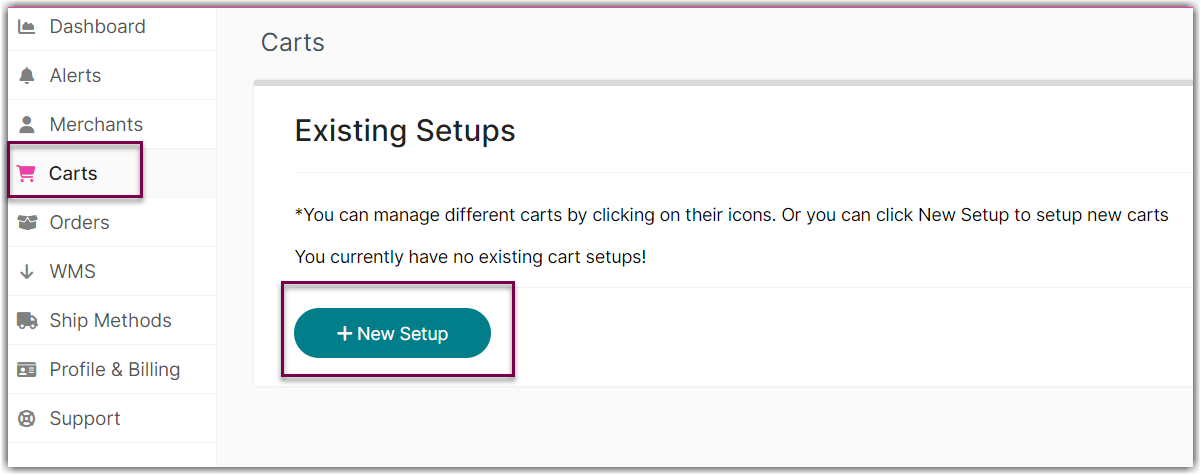
- Select AspDotNetStoreFront from the list.

- Enter your ASPDotNetStorefront Store URL, Admin Email, and Admin Password.

- Click Test at the bottom of the page to verify your credentials succeeded.

- Click OK to save.
Was this article helpful?
Share additional feedback about this article