
Setting Up BlueCherry
0.3 min read
|Integration Specs:
Supported functions:
- Order Download
- Shipment Confirmation
Workflow

- Sales Order Download from BlueCherry to Integration Manager
- Sales Order Delivery from Integration Manager to WMS/OMS
Step-by-step guide
- Provide an FTP account or contact support to request one.
- Log in to Extensiv.
- Go to Carts > + New Setup.
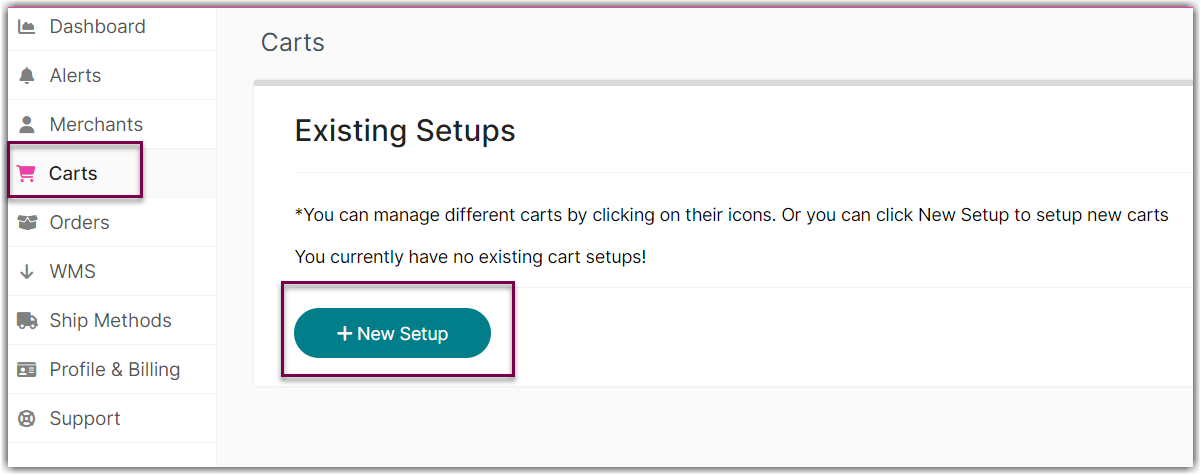
- Select BlueCherry from the list.

- Enter FTP Server, Username, and Password in API Information section.

- Click Test to confirm successful connection.
- Click OK to save.

Was this article helpful?
Share additional feedback about this article