
Setting Up Centra
0.4 min read
|Step-by-step guide
- Contact Centra support to get the following details: API Token, API URL, and Merchant Timezone.
- Log in to Extensiv.
- Open Integration Management.
- Go to Carts > + New Setup.
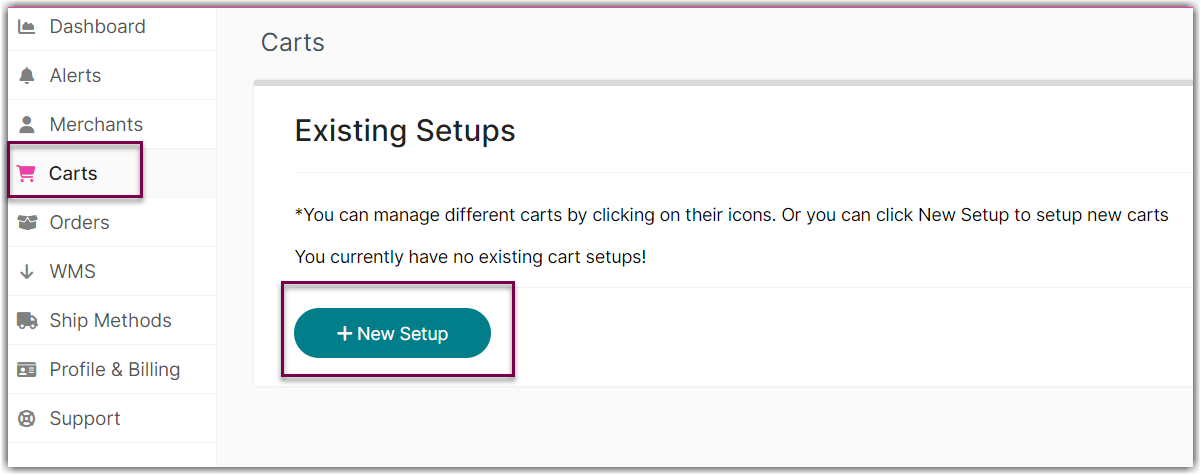
- Select Centra from the list.

- Enter the token and URL in the API Information section.

- Set up the Merchant Timezone in the Centra Carts Setup section.
Centra's system timezone is user defined. This field must match the user defined time zone in Centra. Entering a different time zone from what has been defined in Centra can lead to Orders and Shipment notifications being sent with incorrect date time formats.
- Click Test to confirm connection.
- Click OK to save.

Was this article helpful?
Share additional feedback about this article